How to Create Your First Game on Roblox: A Step-by-Step Guide for Beginners
Exciting Journey Begins
Welcome to the exciting world of game development on Roblox! With its user-friendly platform, creating your own game has never been easier. Whether you’re an aspiring game designer or simply curious about game creation, this guide will help you take your first steps.
Roblox provides a fantastic opportunity to unleash your creativity. To get started, here are some key features you’ll enjoy:
- Simple Interface: The Roblox Studio is designed for beginners, featuring drag-and-drop tools that make it easy to build environments, characters, and gameplay mechanics. For example, you can simply select an object from the toolbox, drag it into your game space, and alter its properties to tailor it to your vision.
- Community Support: Join millions of developers and players sharing tips and resources. The Roblox community is vibrant, with forums, video tutorials, and social media groups ready to help you. You can ask questions about scripting or design and receive mentorship from experienced creators.
- Monetization Options: Earn from your games through in-game purchases and experiences. Developers can sell game passes, which offer special abilities or access to exclusive areas, providing an opportunity to generate income as your game gains popularity.
This step-by-step guide will walk you through essential elements, including:
- Setting Up Your Account: Create your Roblox account and install Roblox Studio. This process is straightforward and requires only an email address. Once registered, downloading the software will give you instant access to a plethora of tools that can turn your concepts into reality.
- Learning Basic Tools: Get familiar with building and scripting tools. Basic scripting in Lua, the programming language used by Roblox, allows you to add interactivity. For example, you can program a door to open when players approach, adding to the immersive experience of your game.
- Publishing Your Game: Share your creation with the world and gather feedback. After testing your game, you can publish it for everyone to play. This provides a fantastic opportunity to receive input that can help you continue to refine and expand your project.
By the end of this guide, you’ll have the foundation needed to create a unique and fun game on Roblox. Take it one step at a time, and remember that the community is here to support you. Let’s get started on your game development journey!
SEE ALSO: Click here to read another article
Setting Up for Success
Before you dive into the world of game creation on Roblox, you need to establish your foundation. The first step is to set up your Roblox account and install Roblox Studio, which is essential for building and managing your game. Let’s walk through this process to ensure you are ready to embark on your game development adventure.
Creating Your Roblox Account
To start, visit the Roblox website and click on the “Sign Up” button. You will need to provide some basic information, including:
- Username: Choose a unique name that represents you or your brand. Remember, this is how other players will identify you.
- Password: Create a secure password to protect your account.
- Date of Birth: Roblox asks for your birth date to ensure compliance with age restrictions.
- Email Address: This will enable you to verify your account and recover it if needed.
Once you’ve filled in the required fields, click on “Sign Up.” You may need to verify your email by clicking on a confirmation link sent to your inbox. This step is crucial to secure your account and gain full access to all Roblox features.
Installing Roblox Studio
After creating your account, the next step is to download and install Roblox Studio. This powerful tool is the backbone of Roblox game development, allowing you to create, edit, and publish games. Follow these steps:
- Go to the Roblox website: Log in to your Roblox account.
- Access Roblox Studio: Click on the “Create” option from the menu. You will see an option to “Start Creating,” which prompts the download of Roblox Studio.
- Run the installer: Once the download is complete, open the installer and follow the on-screen prompts to complete the installation.
When installed, you can launch Roblox Studio from your desktop. The first time you open it, you’ll be greeted with a welcome screen displaying various templates and a new project option. It can be helpful to explore these templates to see the variety of game types you can create, whether it’s a racing game, an obstacle course, or an adventure game.
Familiarizing Yourself with the Interface
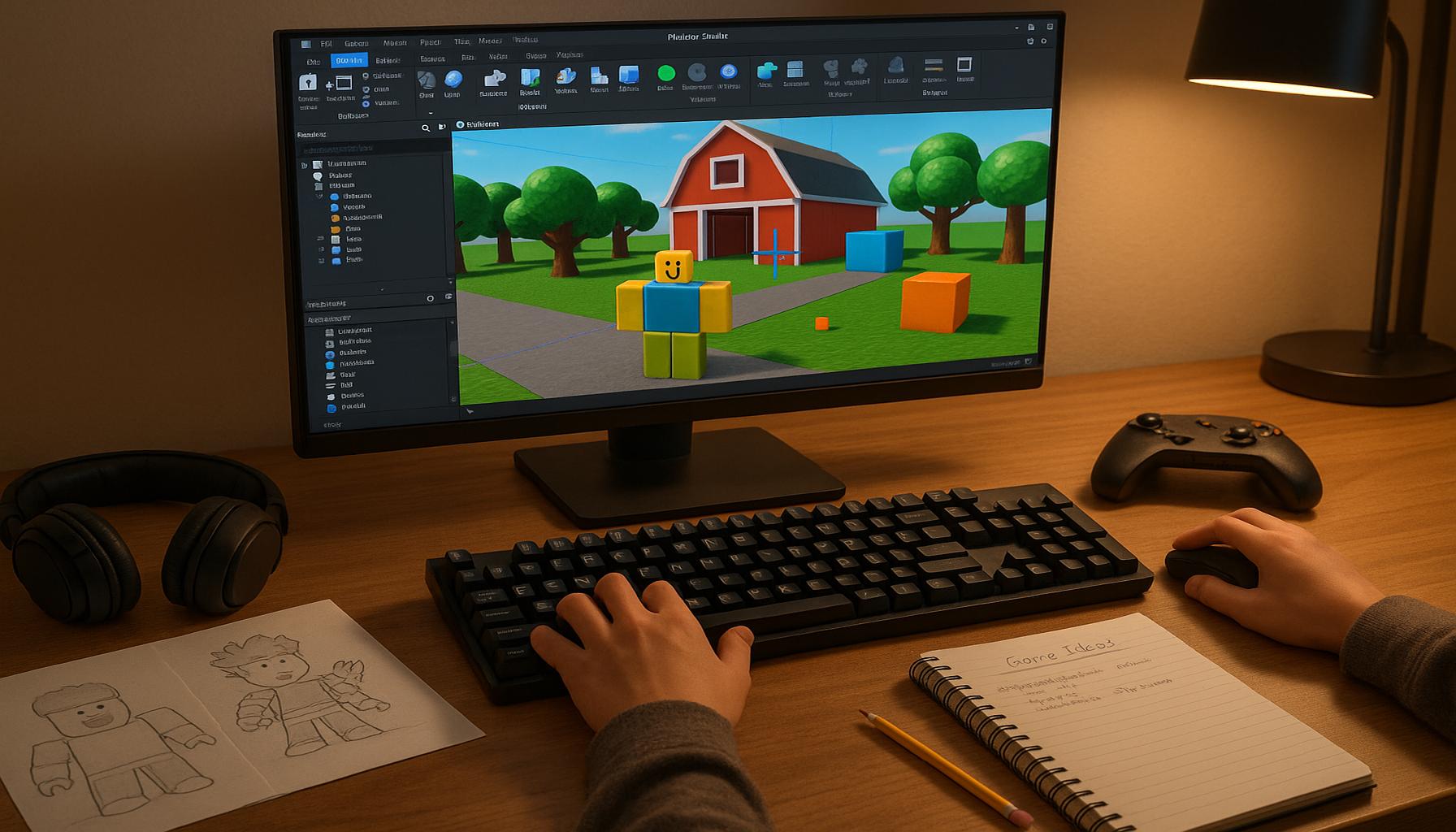
Now that you have Roblox Studio installed, take some time to familiarize yourself with the interface. The layout consists of several key elements:
- Explorer: This window shows you all the objects in your project, allowing you to manage your game elements easily.
- Properties: Here, you can edit settings for selected objects, such as size, position, and colors.
- Toolbox: A treasure trove of pre-made assets like models, scripts, and images contributed by the community.
- Output Window: This is where you’ll see logs and errors, which will be invaluable during scripting.
Understanding these components will empower you to create and modify game elements seamlessly. As you become comfortable navigating Roblox Studio, you’ll find that your creativity can run wild. Keep your goals simple for now; focus on building your first game environment, and later, we’ll delve into scripting to add gameplay features.
CHECK OUT: Click here to explore more
Building Your First Game
With your Roblox account set up and Roblox Studio installed, it’s now time to start building your first game. The process is both exciting and rewarding, and while it may seem overwhelming at first, taking it step by step will lead you to success. Let’s outline the fundamental aspects of game design to help you get started.
Choosing a Game Type
The first decision you’ll need to make is what type of game you want to create. Roblox offers a variety of game genres, from racing games to simulation games, and it’s essential to choose a theme that excites you. Consider these popular game types:
- Obstacle Courses (Obbys): Simple to create and great for beginners, obbys test players’ jumping and agility skills.
- Adventure Games: Story-driven games that allow players to explore different worlds and complete quests.
- Tycoons: Games where players build and manage their empires, usually involving resource gathering and upgrades.
Choose a type that feels right for you, as this will guide your next steps in game creation.
Designing Your Game Environment
Once you have an idea for your game type, it’s time to design your game environment. In Roblox Studio, you can start creating the physical world where players will interact. Here are practical steps to help you design an engaging environment:
- Use the Terrain Tools: The Terrain tools allow you to create hills, valleys, and bodies of water easily. Select “Terrain” from the ribbon menu to access these options.
- Incorporate Models from the Toolbox: The Toolbox has thousands of community-created assets that you can add to your game. Whether it’s trees, buildings, or vehicles, make sure the models fit the theme of your game.
- Adjust the Lighting: Proper lighting can transform the look and feel of your game. Explore the “Lighting” object in the Explorer window to adjust brightness, time of day, and atmospheric effects.
The game environment significantly impacts gameplay and player retention, so spend time creating a visually appealing and immersive setting.
Implementing Basic Scripting
To bring your game to life, you’ll need to learn some basic scripting. Roblox uses Lua, a simple yet powerful programming language. Don’t be intimidated; start with the following basic concepts:
- Events: These are actions that happen in the game, such as players touching an object or pressing a button. For example, you can script an event that opens a door when a player approaches.
- Functions: Functions are sequences of instructions that execute when called. Use these to define how specific game elements behave. For example, you might create a function that rewards players when they complete a level.
- Variables: Variables store information that can change during gameplay, like player scores or health points. Learning how to use them effectively can enhance your game mechanics.
As you get more comfortable with scripting, there are numerous tutorials available on the Roblox Developer Hub that can provide guidance and inspiration.
Testing Your Game
After you’ve built your game environment and started implementing basic scripts, it’s crucial to regularly test your game. You can do this directly within Roblox Studio by clicking the “Play” button. Testing allows you to:
- Identify bugs or glitches that need fixing.
- Verify that game mechanics function as intended.
- Get a feel for the player’s experience, ensuring it’s enjoyable and engaging.
Gather feedback from friends or fellow developers and use their insights to fine-tune your game. Remember, the best game developers are always open to making improvements based on player experiences.
SEE ALSO: Click here to read another article
Reflecting on Your Game Development Journey
Creating your first game on Roblox is not only a fascinating journey but also an invaluable learning experience. By following the steps outlined in this guide, you’ve laid a strong foundation for your game development skills. Remember that the key to success is creativity, persistence, and a willingness to learn. Each aspect of your game—from choosing a game type to designing your environment and implementing scripts—plays a crucial role in the overall experience you offer to players.
For example, think about the type of game you want to create. If you’re interested in adventure games, consider how you can design levels that entice players to explore every corner. Alternatively, for a racing game, focus on creating dynamic tracks that keep players engaged. The choices you make initially will shape the player’s journey through your game.
The Importance of Feedback
As you continue to refine your game, testing and gathering feedback will be essential. This process not only helps you improve gameplay but also allows you to fix bugs and ensure that your game remains enjoyable. You could enlist friends or family to playtest your game and provide insights on their experiences. Their fresh perspective may highlight issues or suggestions you hadn’t considered.
Don’t shy away from experimenting with different ideas and features. For instance, if you receive feedback that players find a particular level too difficult, consider adjusting the difficulty or providing helpful hints. Embrace the feedback you receive, as it can lead to unexpected enhancements and greater player engagement.
Leveraging Community Resources
Lastly, remember that the Roblox community is rich with resources and fellow developers eager to share their knowledge. Engaging with community forums, watching tutorials, and reading articles can greatly expand your understanding and skill set. Websites like the Roblox Developer Hub offer tutorials that cover everything from basic scripting to advanced game mechanics, making it easier for you to enhance your game.
Your journey in game development is just beginning. The tools available on platforms like Roblox empower creators to bring their imaginative concepts to life. As you develop your skills and gather experiences, you’ll find that the possibilities are truly endless. So, let your imagination soar, be willing to learn from both successes and failures, and start building your unique game today!
Linda Carter
Linda Carter is a writer and financial consultant specializing in economics, personal finance, and investment strategies. With years of experience helping individuals and businesses make complex financial decisions, Linda provides practical analyses and guidance on the Uma Caixa Cheia platform. Her goal is to empower readers with the knowledge needed to achieve financial success.